Everything you need, nothing you don’t
Ease of use
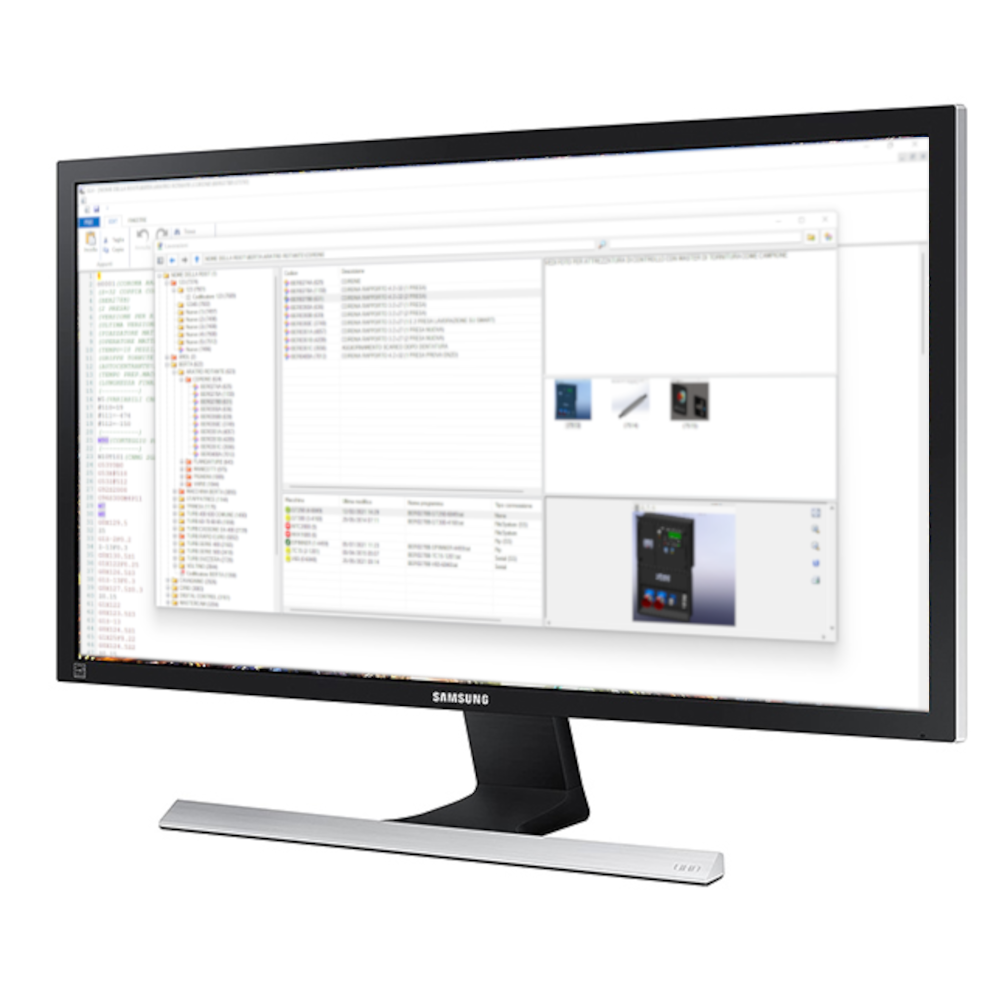
GL doesn’t require much computing power. This means it can be installed on almost any PC, avoiding extra costs for the client during setup. Thanks to various optimizations and simplifications, the interface is intuitive and immediate.
Fast setup
- —Simple, unlimited machine additions
- —Quick entry of new jobs
- —Creation of encoders
Advanced connectivity
GL gives you centralized control over every job and machine you own. Using the most common standards, it establishes two-way communication with machine tools.
- —Serial
- —FTP
- —File System
Speed
GL speeds up finding the jobs you need to run thanks to a set of filters and a tree-based organization. You can group programs for the same part across different machining centers. You never lose a job again.
- —Manage machines more efficiently
- —Find old jobs to redo
- —Organize files better
- —Link photos, videos, documents
Security
All programs and information live in one place. This means a single backup keeps everything safe, so you never risk losing valuable work to a hacking attack.
- —Everything in one place
- —Not manually editable
- —Fast to back up and protect

The new web version is ready to try: sample archive, G-code editor and 3D simulation, with nothing to install.
Open the demoTry it now, right in your browser
The demo of the new web version includes a sample archive with a mill and a lathe: open a program, edit it and watch the 3D simulation of the machine movements. Nothing to install, sample data stays in your browser.
- —Archive, G-code editor and 3D simulation with tool compensation
- —Check-out, edit and check-in just like the real thing
- —Works offline once loaded
Ready to bring GL to your workshop?
Get in touch to talk about your workflow, or try the online demo right away. Installation is quick, the impact is immediate.